Notifications, your way

Notifications exist to help you. But whether one is actually helpful depends entirely on who you are and how you park.
Spending a whole afternoon in the city? A reminder that your parking action is still running is exactly what you need. Nipping into a shop for 10 minutes? You'd rather be left alone. Same notification, two completely different experiences.
That's why you can now decide for yourself which notifications you receive, and when.
What's changing
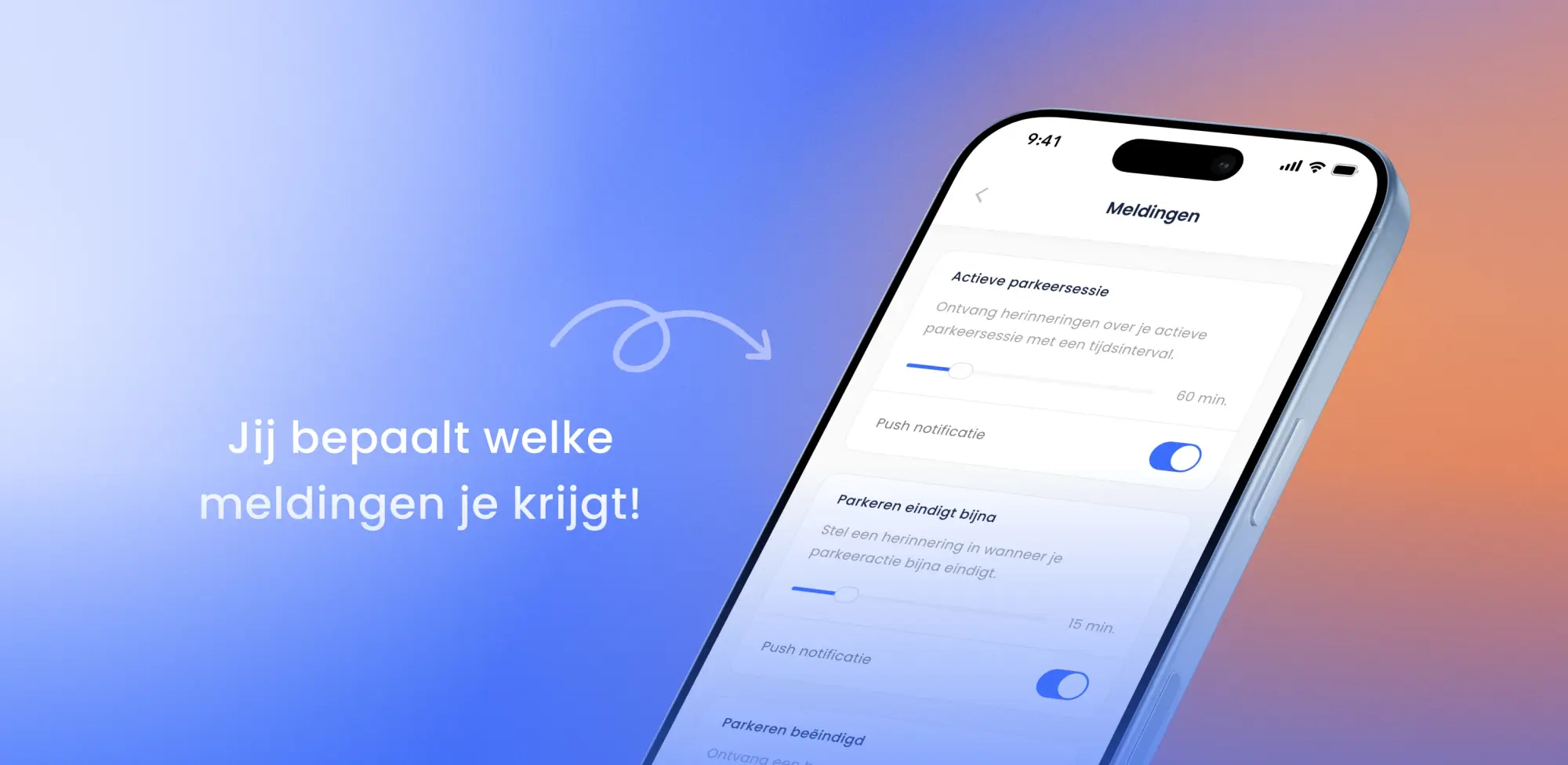
Until now, our notifications were set the same way for everyone. From this update on, you'll find a dedicated screen in the app where you switch each notification on or off individually. And for the ones where timing matters, you choose the moment yourself.
That way you only get the reminders that make a difference for you.
Reminder for an active parking action
This notification lets you know at a set interval that your parking action is still running. Useful when you're parked for a longer stretch and your attention is elsewhere.
You decide how often you get a nudge. If you like to stay on top of things, set a short interval. If one reminder an hour is plenty, set it wider. And if you don't need it at all, switch it off.
Heads-up when your parking action is about to end
Started a parking action with an end time? We'll warn you before it runs out, so you can extend it or head back to your car in time.
Here too, you choose the moment. 15 minutes ahead, or earlier if you want a bit more time to wrap up.
Why we built this
There's a risk in notifications that don't match how someone uses the app. If you keep getting messages that don't feel relevant, at some point you'll turn off every notification the app sends. Including the one that would have helped.
That's the opposite of what we want. A missed reminder can mean a parking action that keeps running, or a fine because you stayed too long.
By putting you in control, notifications keep doing what they're meant to do: help you at the moment it matters.
Where to find it
Open the SimplePark app, go to Settings, then Notifications. You'll see every notification listed, each with a switch and, where relevant, an adjustable timing.
Your changes take effect right away. You can always adjust them again, so feel free to experiment and find what works for you.
In line with how we see the app
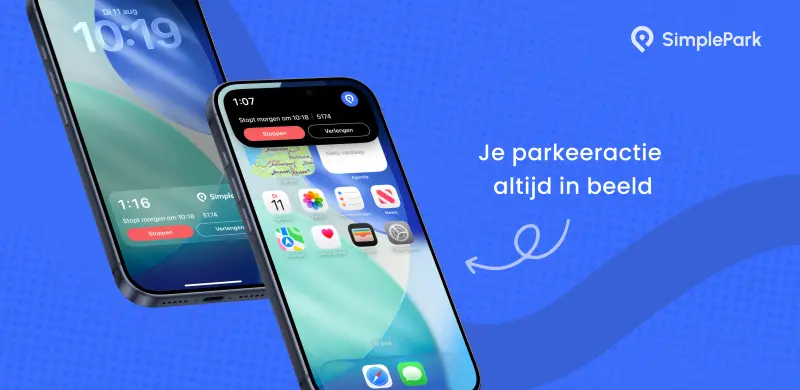
This update builds on what we did earlier with iOS Live Activities: keeping you informed about your parking action without having to open the app.
The difference is that you now also decide how much you hear from us. Because an app you almost forget you're using is exactly what we're aiming for.
Have you got the latest version yet?